Behind the scenes8 min read
AI Max in Google Ads: the 2026 migration and what an SME must check
Google is moving Search campaigns to AI Max in 2026. What it changes, the risks for an SME and the list of settings to check in your account.
 By Diego Penaloza Lopez ·
Contents
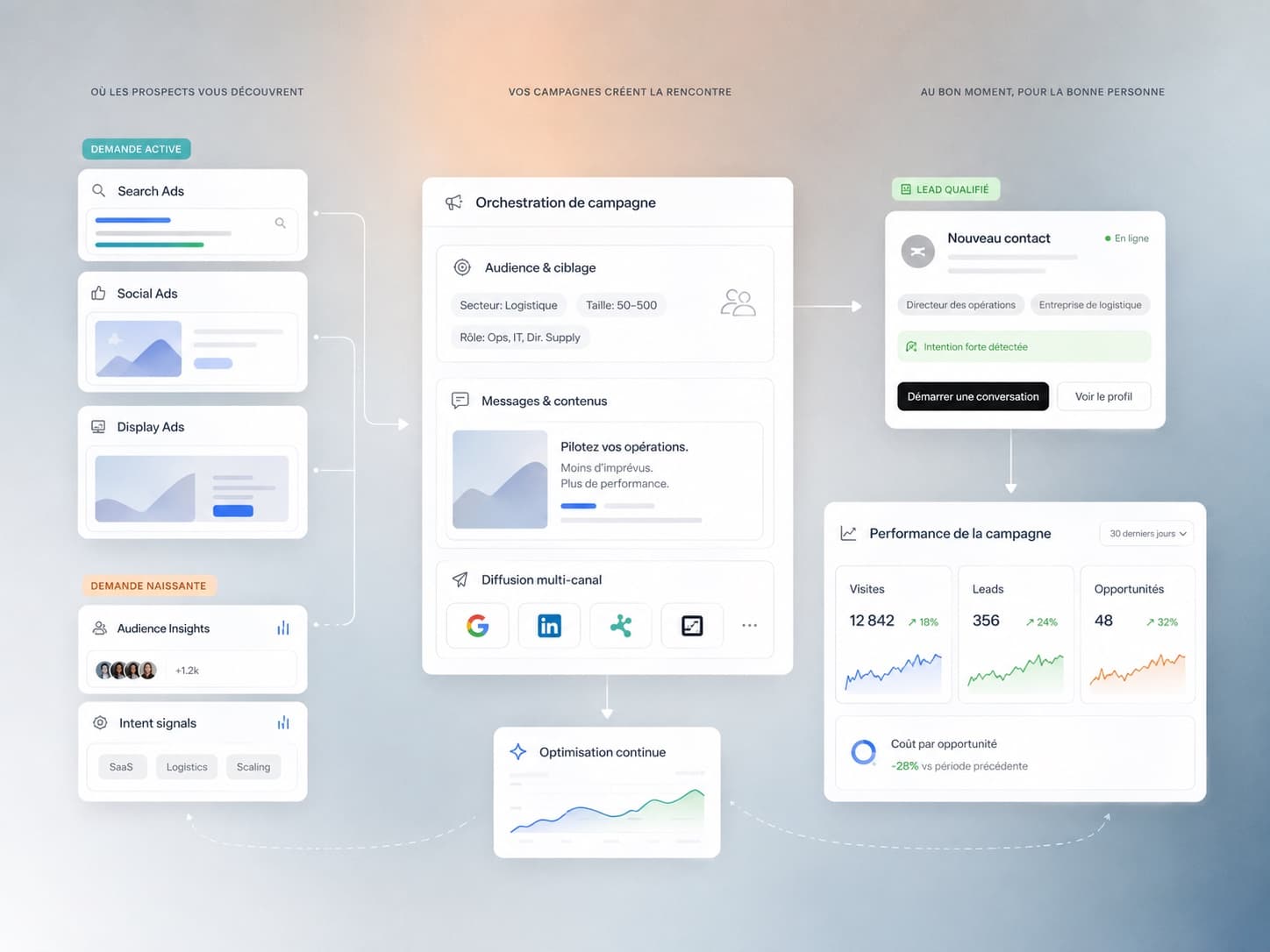
If you run a Google Ads Search campaign, a banner may already have told you: your campaign is moving to AI Max. For many SMEs, the switch is automatic and requires no approval. It is neither a disaster nor a gift. It is a change of settings that deserves an hour of checking, now, before the budget goes on searches you would never have chosen.
AI Max: what the feature actually does
AI Max is not a new campaign type. It is a set of options switched on within an existing Search campaign, which keeps its ad groups, keywords and budget. According to Google Ads Help, it rests on three functions:
- Search term matching. Google shows your ads on searches close to your keywords, and beyond, drawing on the content of your website and your ads. Your keywords become a starting point, no longer a limit.
- Text customisation. Google generates headlines and descriptions from your ads and your website, adapted to each search.
- Final URL expansion. Google can send the visitor to a different page of your domain from the one you chose, if it judges it more relevant.
The principle is that of Performance Max, applied to Search: you provide signals, the algorithm decides the rest. The difference is that you keep the usual control tools of a Search campaign.
The migration timeline, as of late September 2026
Google took AI Max out of beta in 2026 and announced the end of several legacy settings. As of late September 2026, this is what Google and Search Engine Land describe:
Scroll the table horizontally ↔
| Current setting | What happens | When |
|---|---|---|
| Broad match switched on at campaign level | Automatic migration to AI Max | September 2026 |
| Automatically created assets | Automatic migration to AI Max | September 2026 |
| Dynamic Search Ads (DSA) | Replaced by AI Max; dynamic ad groups become standard ad groups | Automatic migration from February 2027 |
For Dynamic Search Ads, Google states that all three AI Max functions will be switched on during the switch, and that existing URL rules will be kept. Brand inclusions and exclusions are carried over. In every case, check your account: notifications and the exact scope vary from one account to another.
The four risks for an SME
- Off-topic queries. A plumber targeting “heating repair” can end up on “heating engineer training” or “cheap portable heater”. Paid clicks, no customers.
- Texts nobody has approved. Generated text can promise a lead time, a guarantee or an area you do not cover. For a property development, loose wording about a price or availability can cause a real problem.
- Unwanted landing pages. Google can pick a news page, a job offer, a blog article or an old page for a sold-out project. The visitor arrives, finds no form and leaves.
- Budget spent on your own brand. By broadening queries, the campaign can capture searches for your company name that you would have received free through organic search. The cost per enquiry looks good, but it brings nothing new.
The AI Max checklist, to do now
- Read the search terms report. Every week during the first month. Google shows there which searches come from AI Max. Spot queries with no purchase intent.
- Add negative keywords. Jobs, training, free, second-hand, rental if you sell: these are the classic exclusions. See the definition of negative keywords. A shared list at account level saves repeating them in every campaign.
- Exclude URLs that do not convert. Blog, careers pages, legal notices, completed projects. If a campaign must stay on a single page, switch off final URL expansion for that campaign.
- Set up brand controls. Brand exclusions stop a generic campaign from capturing searches for your name; brand inclusions restrict a brand campaign to your name.
- Frame the generated texts. Text guidelines let you exclude terms and set messaging restrictions. Then review the combinations in the assets report. If in doubt in a regulated sector, switch off text customisation.
- Send quality conversions. Do not count every form as a success. Send qualified enquiries and sales back from your CRM: that is the subject of offline conversions.
When to accept AI Max, when to limit it
AI Max works best when the algorithm has something to learn from: reliable conversion tracking, a steady volume of enquiries, a website with clear pages for each offer. It can then find searches you would not have listed, often phrased as full questions.
It is better to limit it when the campaign has a small budget, few conversions, or a very narrow offer. The same applies when the vocabulary is ambiguous, when the texts carry legal weight, or when the website contains many pages with no commercial intent. Limiting does not mean refusing: you can keep broader matching and switch off URL expansion, or the reverse.
The right method is still to test. Google offers AI Max experiments, which compare half of a campaign with and without the new functions. Judge on cost per qualified enquiry, not on the number of clicks.
Example: a property development moved to AI Max
A developer is selling twelve condominium (PPE) apartments and runs a Search campaign on “new apartment for sale” and the name of the municipality. After the migration, the search terms report shows rental queries, older apartments and neighbouring municipalities outside the area. The landing pages include an earlier development that has already sold out.
- “Rental”, “rent” and “studio” added as negative keywords.
- URLs of completed developments and the news page excluded.
- Text guideline excluding mentions of price and availability, which change every week.
- The developer’s name excluded, as it is already covered by a brand campaign.
- Main conversion changed from form submitted to qualified brochure request, sent back from the CRM.
The campaign keeps broader matching, which finds searches such as “buy a new 4.5-room flat near the lake”, but on the right page and with reviewed texts. To go further on campaign management, see our Ads campaigns offer.
Key takeaways
- 01AI Max broadens queries, rewrites texts and chooses the landing page of a Search campaign.
- 02According to Google, automatic migration affects some campaigns in September 2026 and Dynamic Search Ads from February 2027.
- 03Search terms report, negative keywords, URL exclusions, brand settings and text guidelines are the safeguards to set first.
- 04AI Max learns from your conversions: send back qualified enquiries, not mere form submissions.
FAQ
Frequently asked questions
According to Google, the campaigns concerned are migrated automatically, with no opt-out after the deadline. You can, however, switch off or limit certain functions once the campaign has moved to AI Max; check your account.
No. Keywords remain and serve as a starting point. AI Max also shows ads on neighbouring searches, which you filter with negative keywords.
Google had not confirmed that these ad placements are available in Switzerland as of late September 2026. AI Max is one of the technical conditions, not a guarantee: check your account.
Sources
Share
